The challenge
Having 50+ repositories on Github I always wanted to have a local backup (of all of them), at least one that I can access on my local home LAN. While Gitea offers mirroring functionality, I wanted to explore options that offer bulk mirroring capabilities.
Asking the LLMs about this, the easiest and best option came almost at the very top of their list of recommendations: a tool called Gitea Mirror
Gitea Mirror
Gitea Mirror is a containerized application, all you need is Docker.
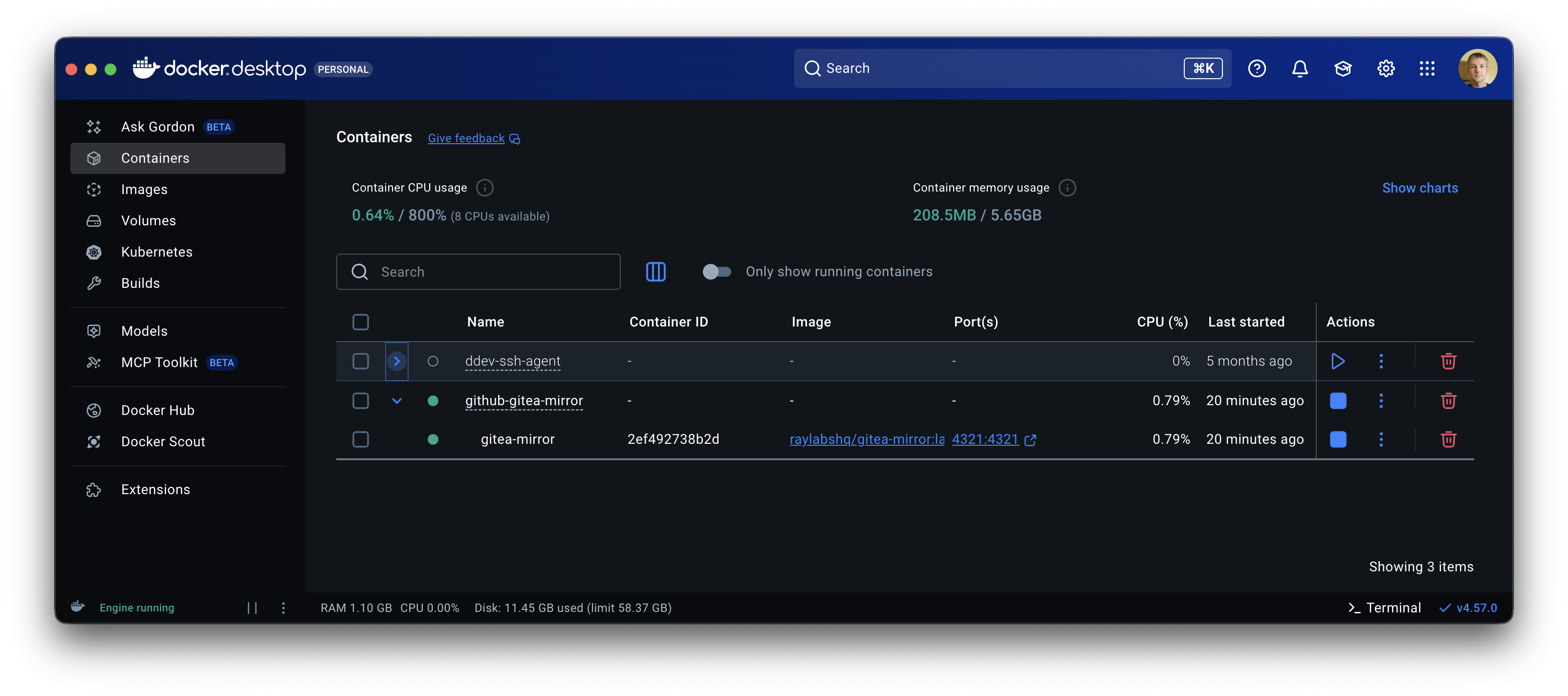
Get Docker running:
Clone the repository:
git clone https://github.com/RayLabsHQ/gitea-mirror.git
cd gitea-mirror
And simply start the container:
docker compose -f docker-compose.alt.yml up -d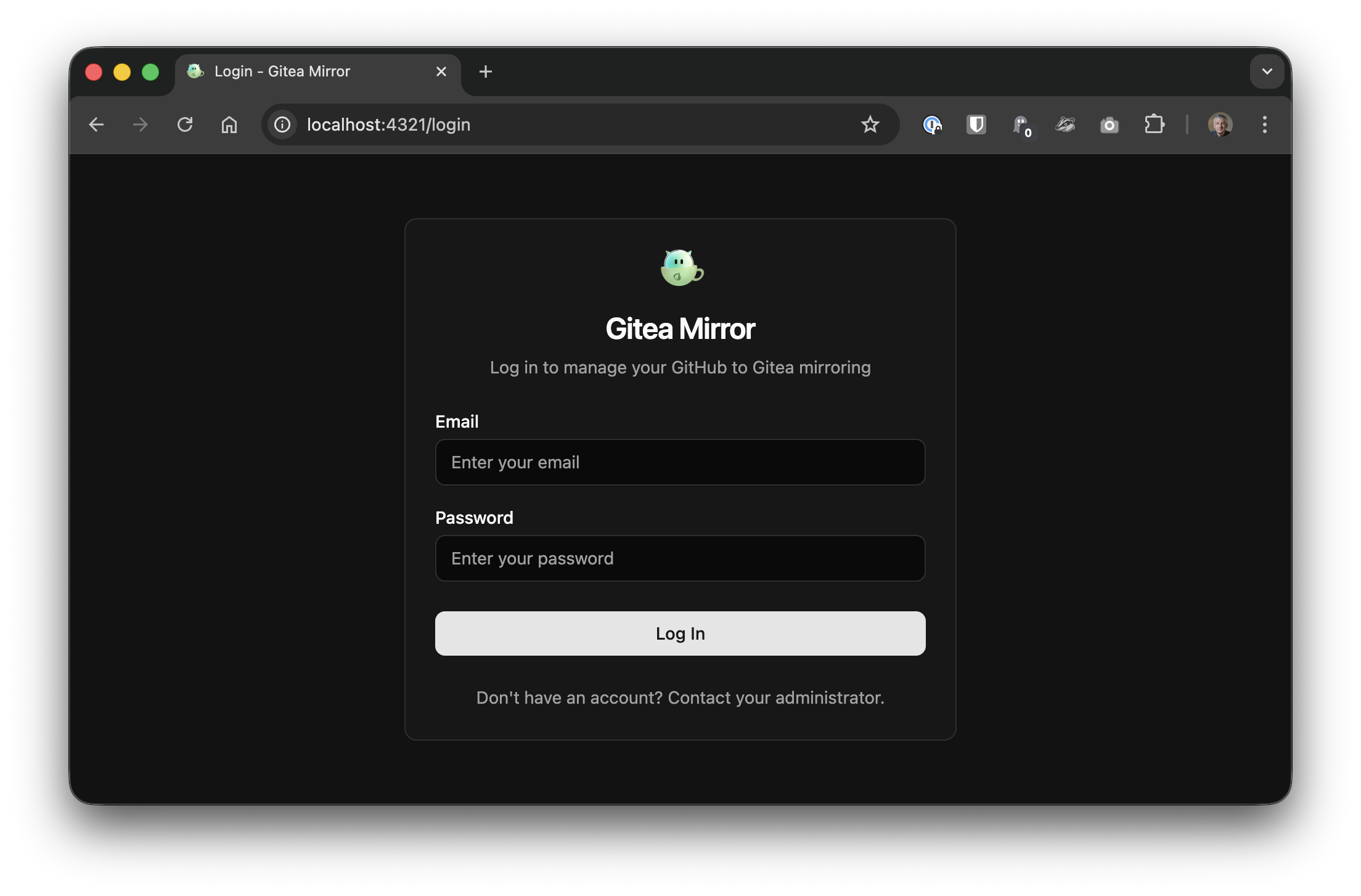
Create an admin account and… there you go!
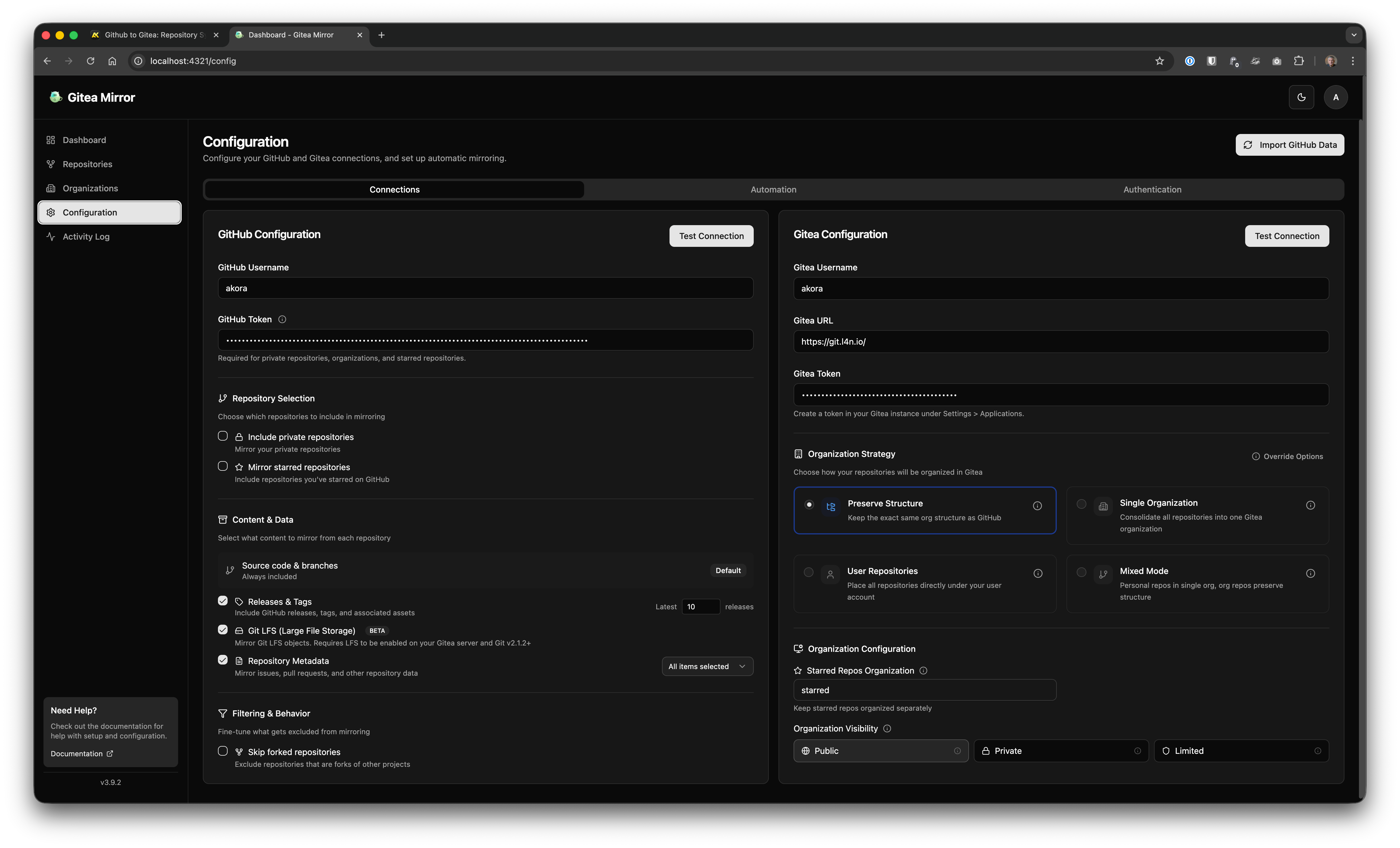
The configuration is simple:
On Github’s end:
- provide your Github username
- enter your Github token
On Gitea’s end:
- provide your Gitea username
- enter your Gitea instance’s URL
- enter your Gitea token
The “Test Connection” button is awesome! Pressed it… hoping for a nice, all GREEN message that all is successful.
It was successful, though instead of the expected “ALL GREEN” the message simply matched the light/dark settings. Nothing to complain about, but you know…
Mirror ALL
The last step to do is to go to “Repositories” and click “Mirror ALL”.
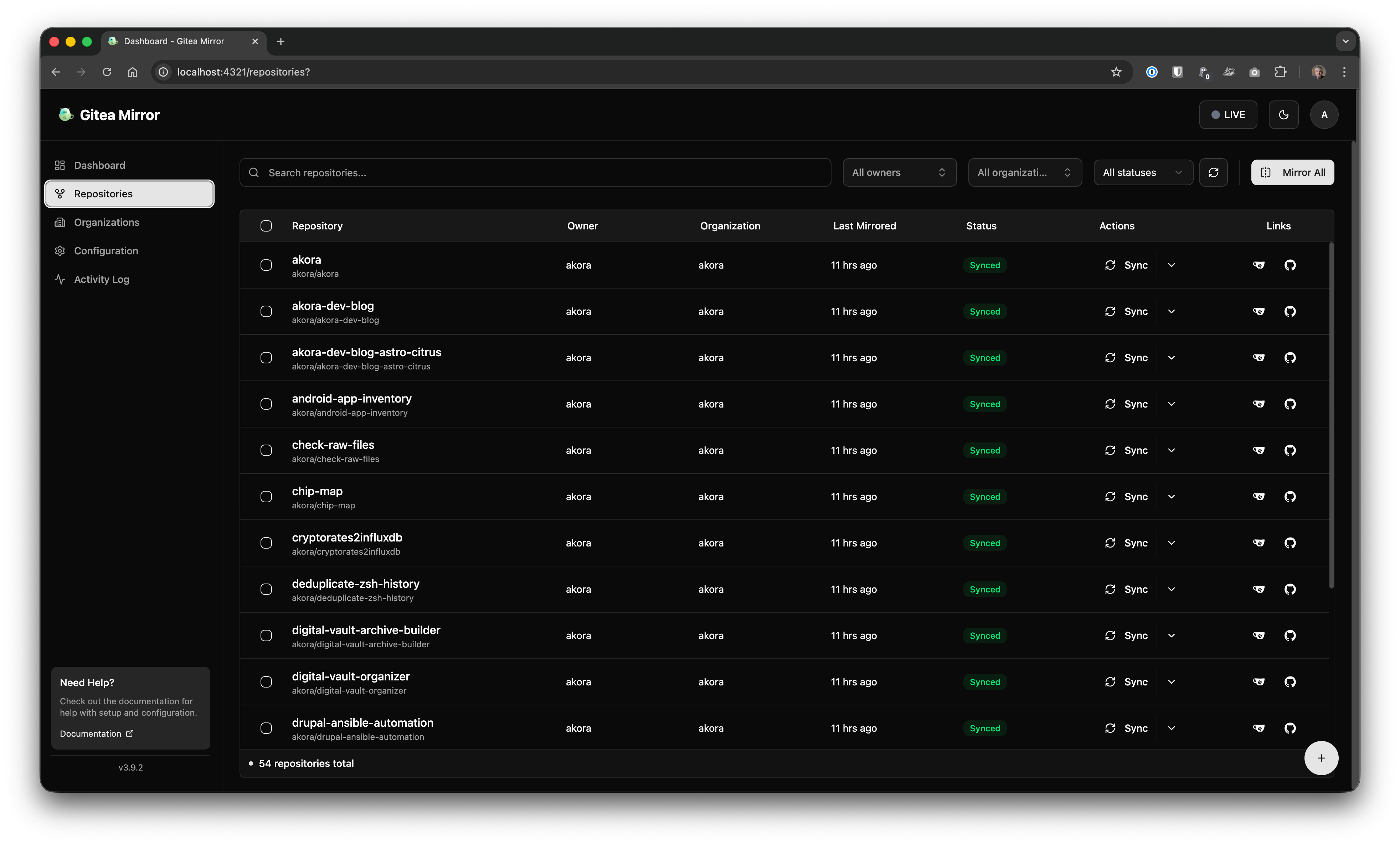
…aaaannnnndddd… That’s it.
Since I’m not planning to run it 24/7, at this point I simply stopped the container.
docker compose -f docker-compose.alt.yml downService stopped, repositories mirrored.
DONE.
From intial idea - from the “need” to have something like this in place, to the actual implementation - it took me less than an hour to accomplish everything, including the search, the installation, the configuration and the mirroring.
2026 - LLMs - Here we go!!!